Sequence your synth.
Steps playing a Moog Sub 37 over MIDI in Ableton Live, notes and two CC lanes, generated, edited and mutated as it runs. No talking, just the sound.
Every step, lane by lane.
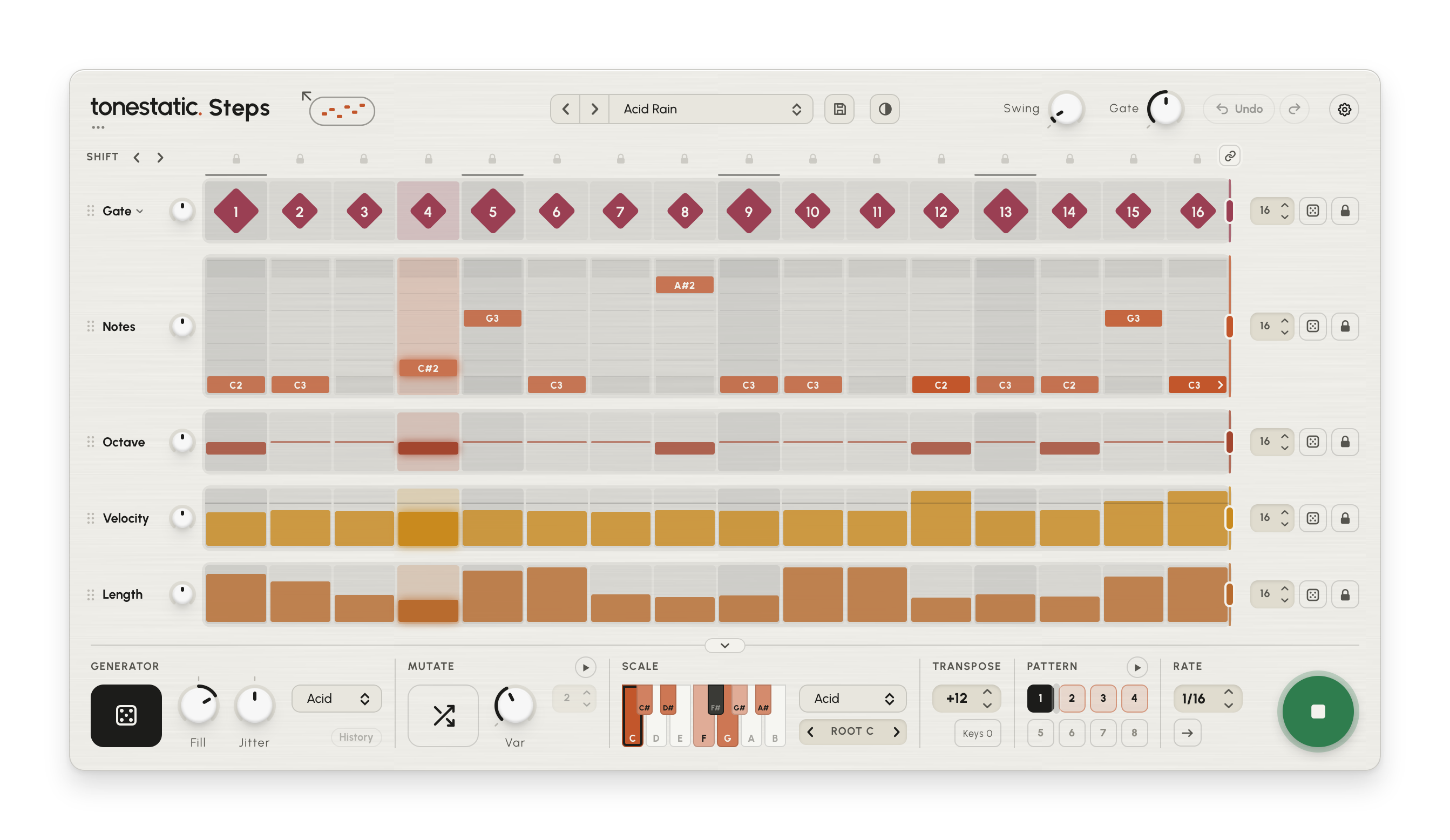
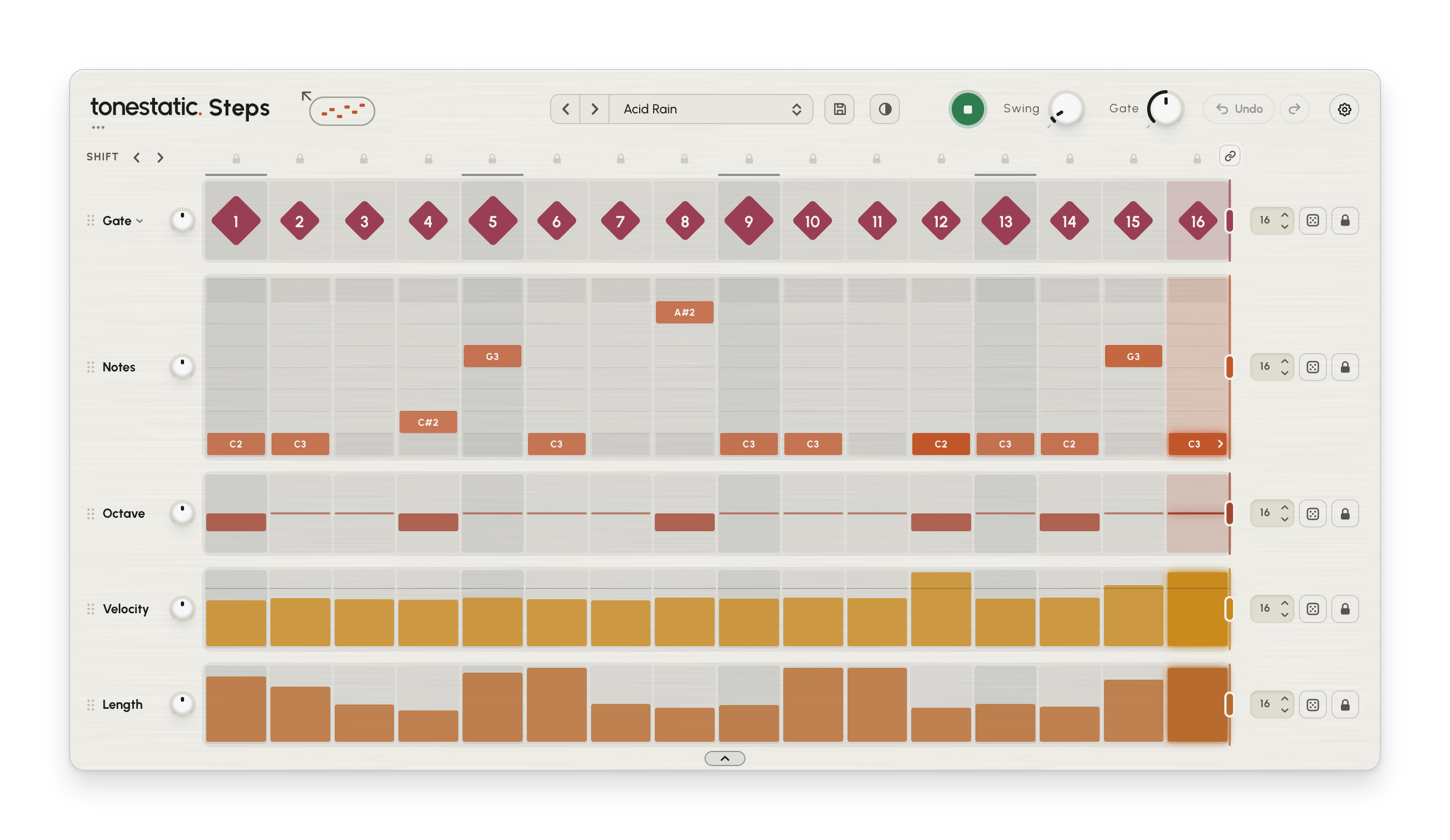
Each step has a gate, a note, an octave, a velocity and a length, each on a lane of its own with its own length, dice and lock. The Gate turns a step on or off; click its name and make it Chance instead, and each step gets a chance of playing, from never to always - switching never changes what plays. A Ratchet lane, which plays a step as quick repeats, waits in Settings > Lanes. The small Lift knob by a lane’s name moves the whole lane up or down together and keeps its shape, so turning it back brings the line back; on Notes it moves every note up or down the scale, down to the root alone. The arrow under the lanes folds the controls away and gives the grid the whole face.
Which notes it uses.
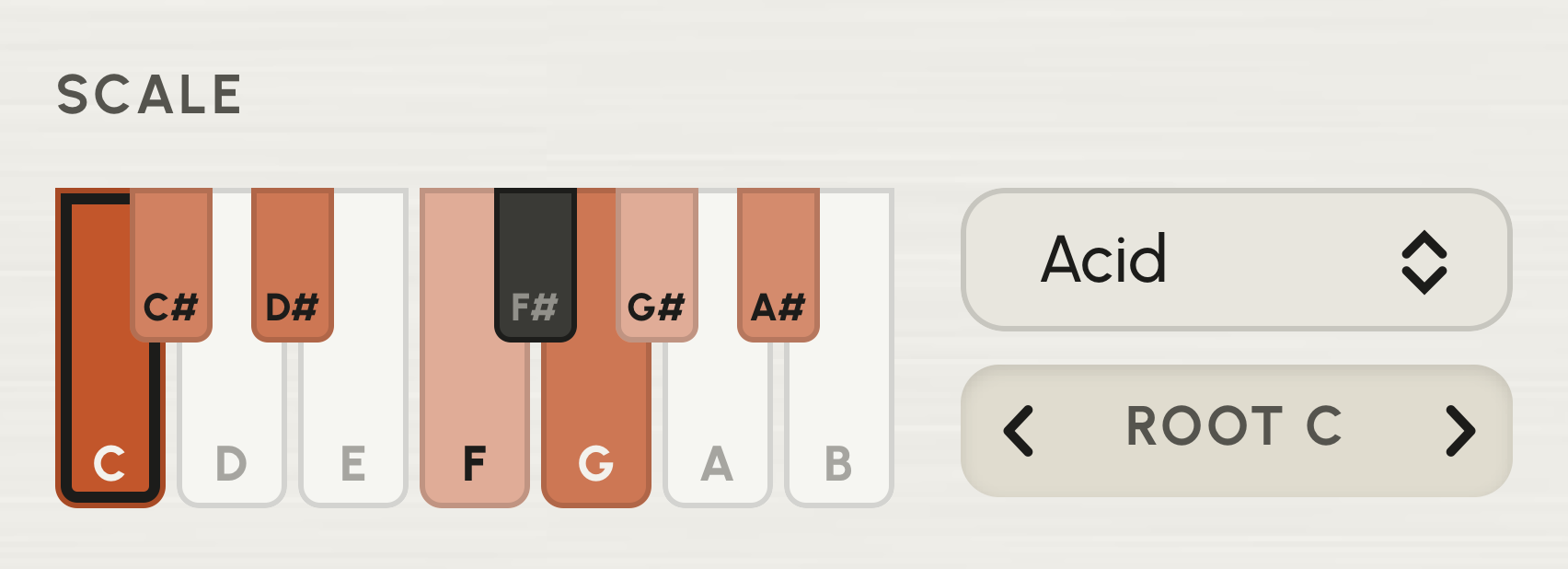
Pick a scale and a root. Every step you draw, every generated pattern and every mutation uses only those notes. Click a key on the keyboard to take a note out of the scale or put it back.
A pattern to start from.
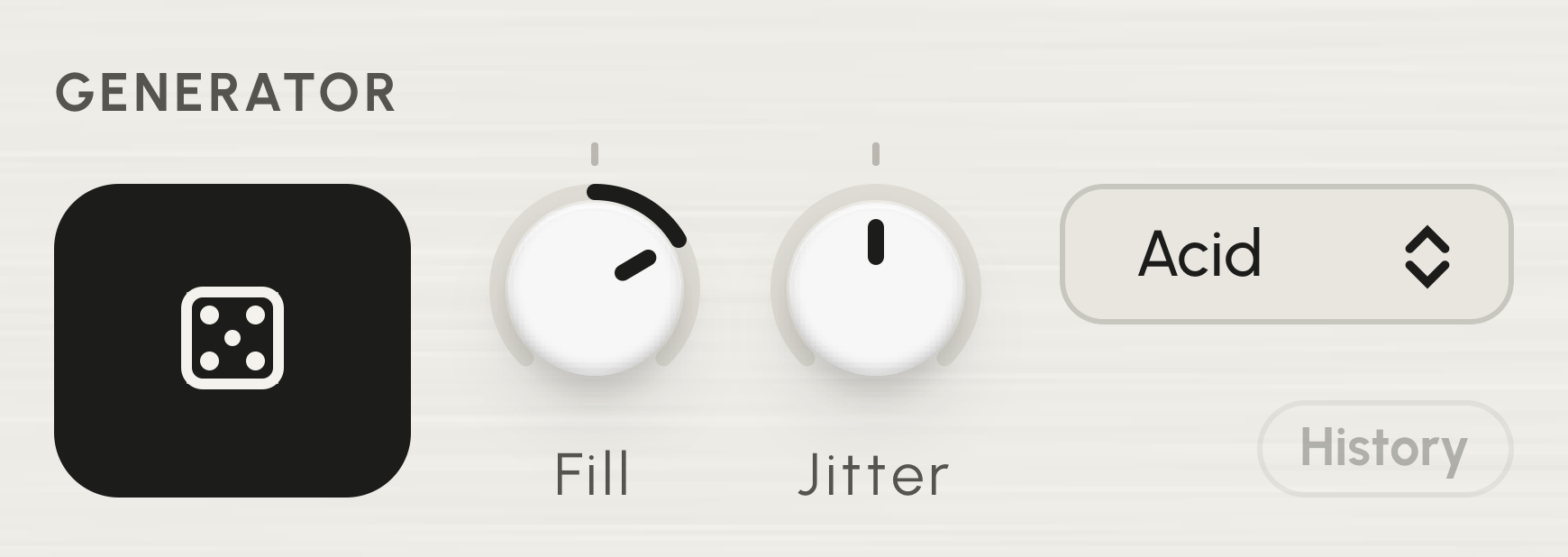
Choose a style - Acid, Acid 2, Techno, Bass, Arp or Melodic - and press the dice for a new pattern in it. Fill sets how many steps play; Jitter how far the notes spread from the root, down to the root alone. History lists the patterns made this session, so you can go back to an earlier one.
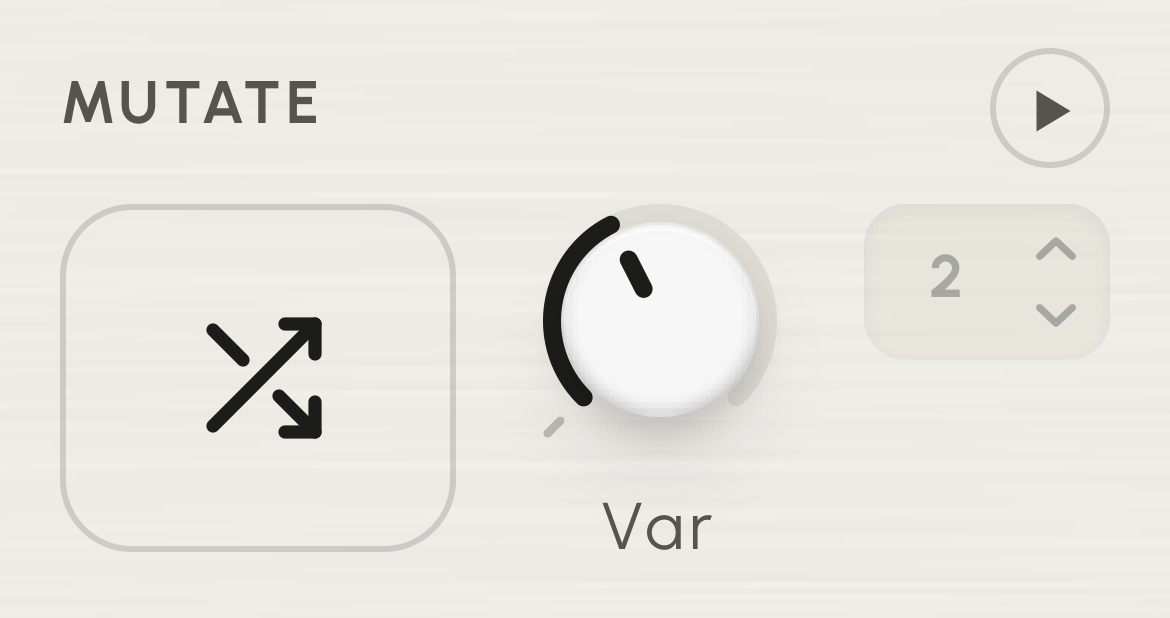
Change part of a pattern.
Mutate changes some steps and keeps the rest; Var sets how many. Press the play button beside it and it mutates by itself, every half bar to every 8 bars, so the pattern keeps changing. Lock a step, or a whole lane, and Mutate and the dice leave it alone.
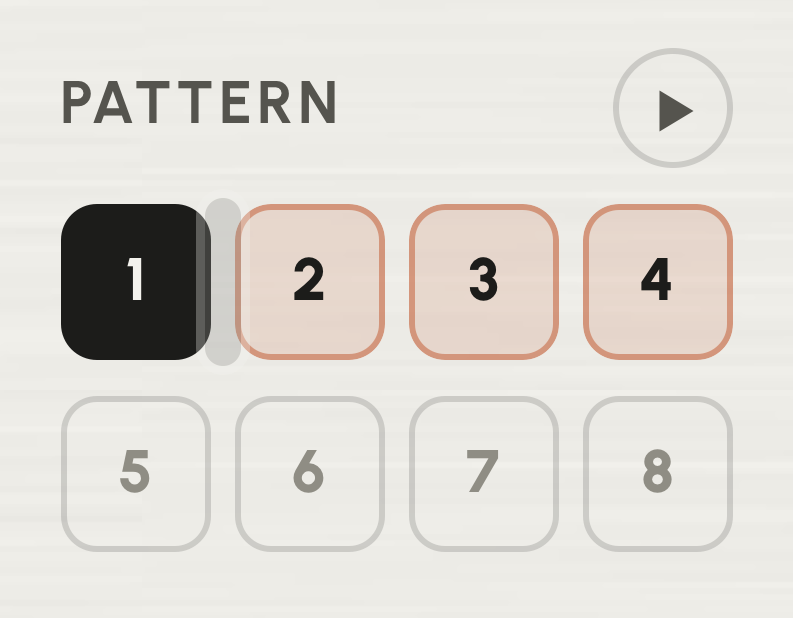
Eight patterns per preset.
Click a slot to switch pattern; each slot’s menu copies, pastes and clears. The play button chains them: patterns play in turn from 1 to the end marker you drag, each for whole bars. With Keys on, notes C0 to G0 in a clip switch patterns too.
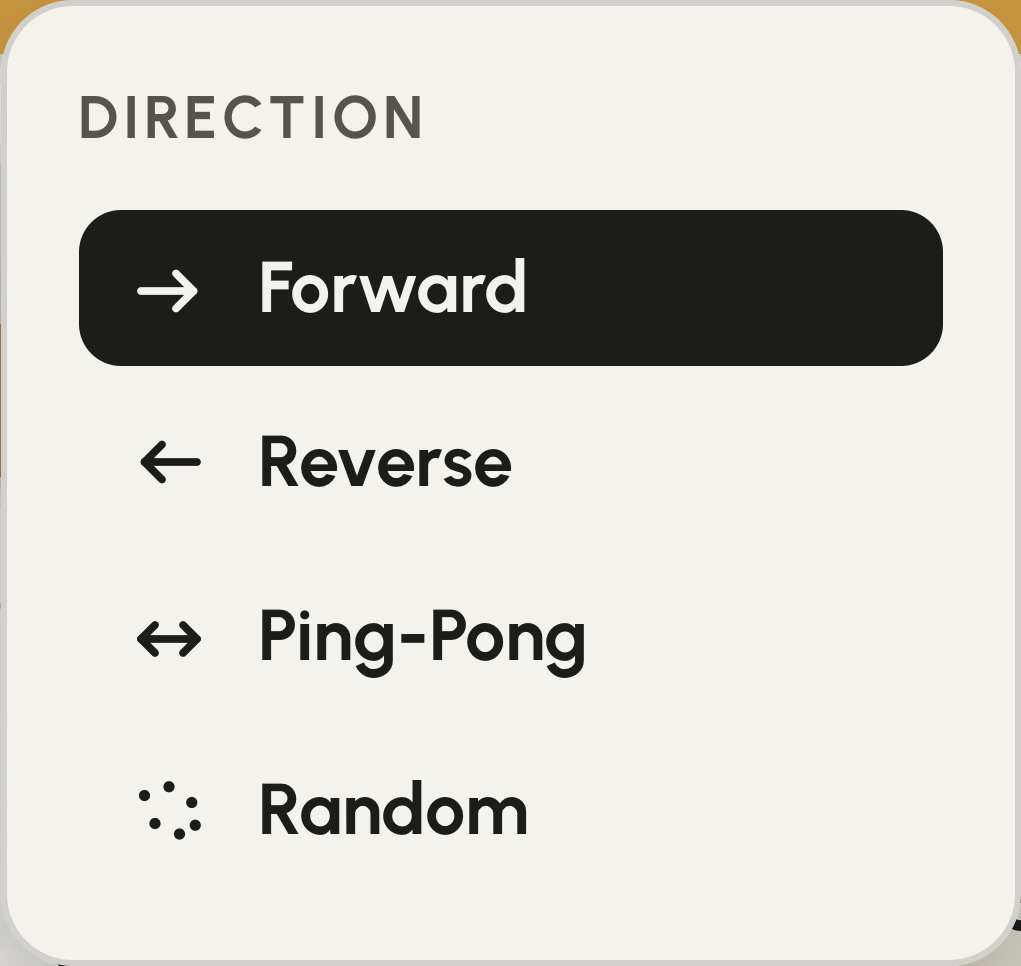
Play in any direction.
The arrow next to Rate sets which way the steps play: forward, reverse, ping-pong (there and back) or random. Rate sets the length of a step, from 1/4 to 1/32, with dotted and triplet values.
Any synth parameter, step by step.
Under the notes are two CC lanes, each with a value per step. Each sends any MIDI CC from 0 to 119, so it can move whatever your synth responds to - cutoff, resonance, drive, glide, an LFO’s rate - on a hardware synth or a plugin. Draw a rise across the bar, a wave or one accent; each CC lane has its own length, dice and lock, like every other lane.
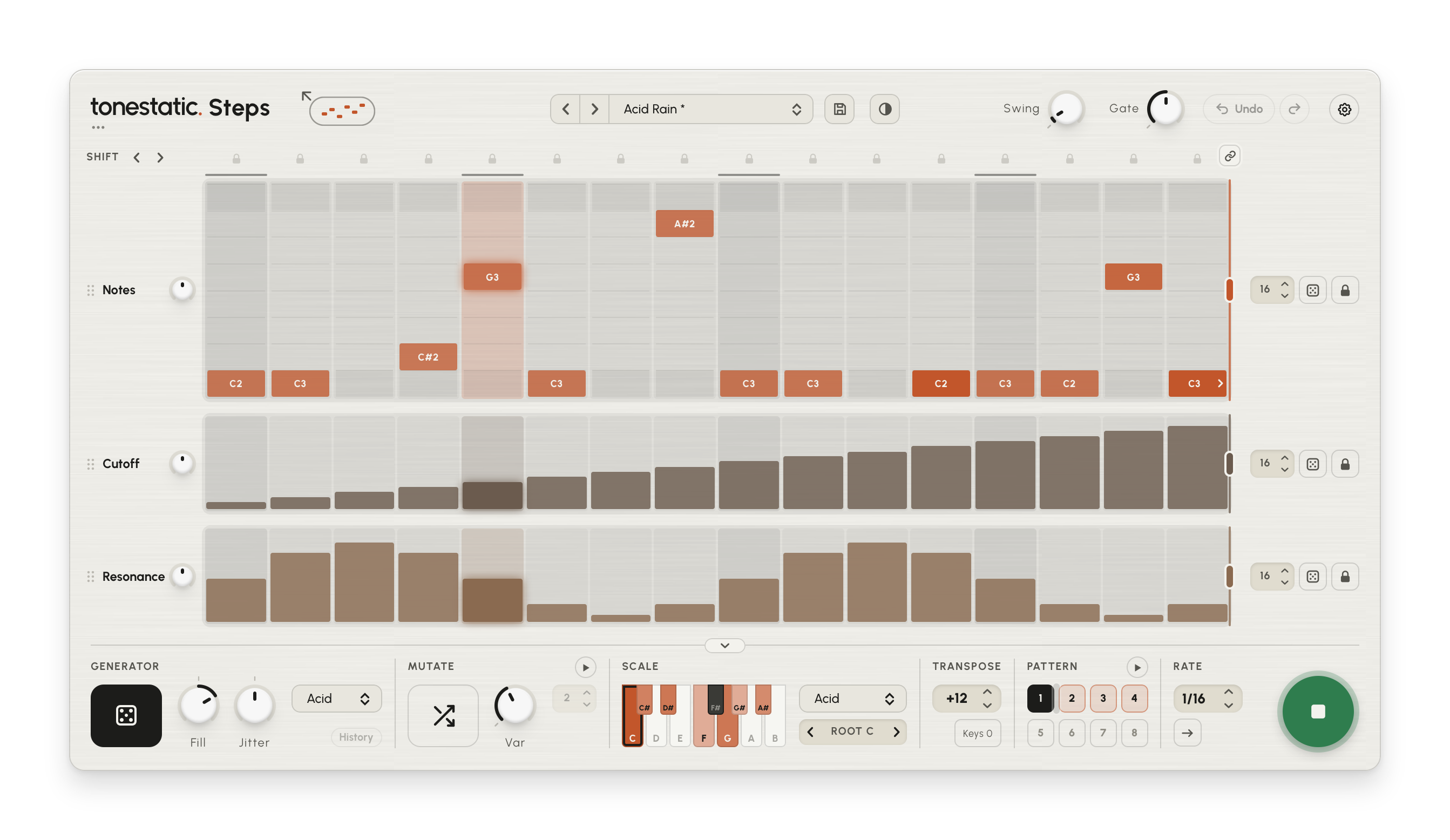
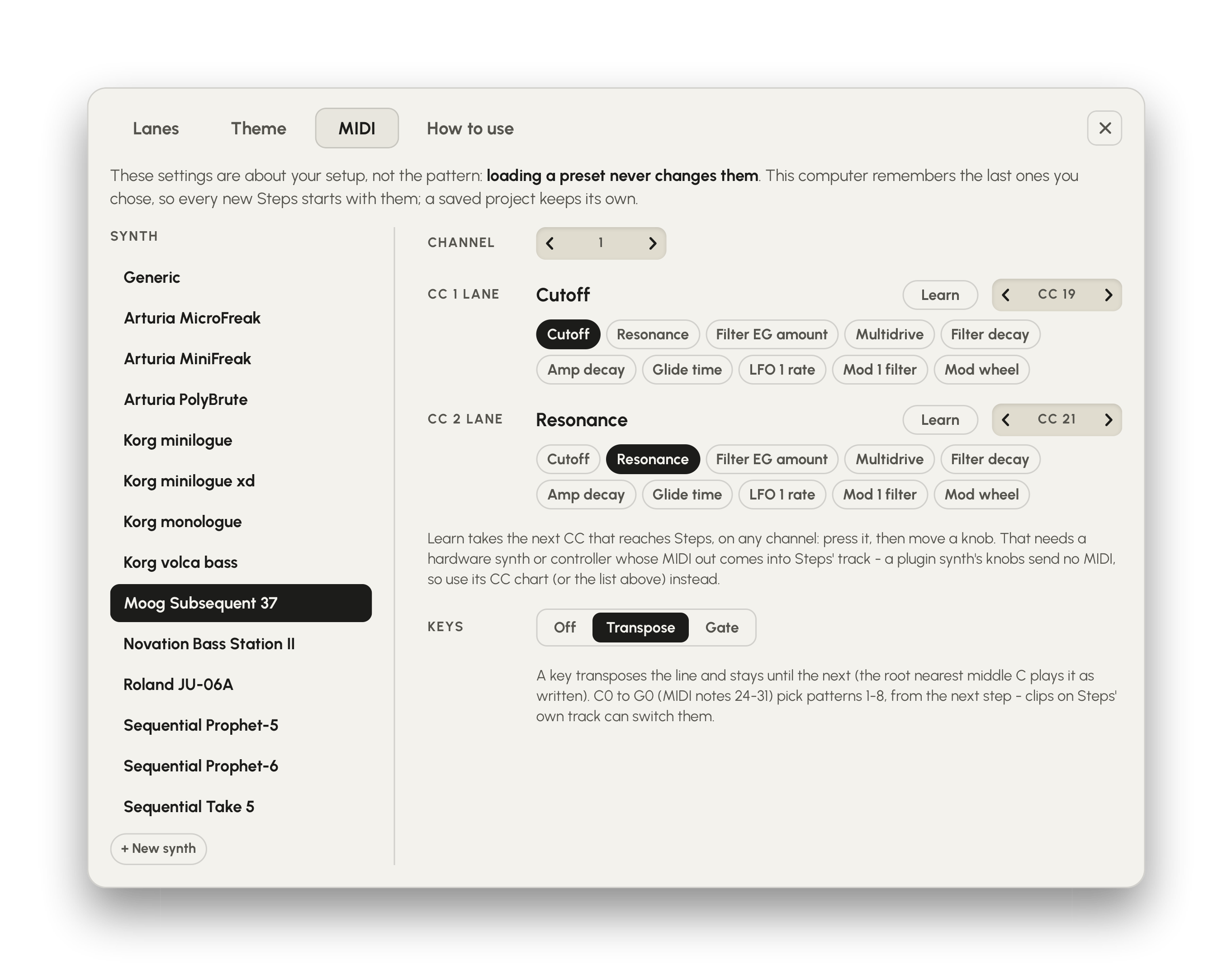
Set up for your synth already.
Settings > MIDI knows the CC maps of 13 synths, among them the Moog Subsequent 37, Novation Bass Station II, Korg minilogue xd, Arturia MiniFreak and Sequential Prophet-6. Pick yours and each CC lane lists that synth’s parameters by name - Cutoff, Resonance, Filter EG amount - so you choose one without looking up a number. For any other synth, + New synth saves its own list: the CC numbers from its manual, each with a name. With a hardware synth or controller, Learn beside a lane takes the number for you: press it and turn the knob.
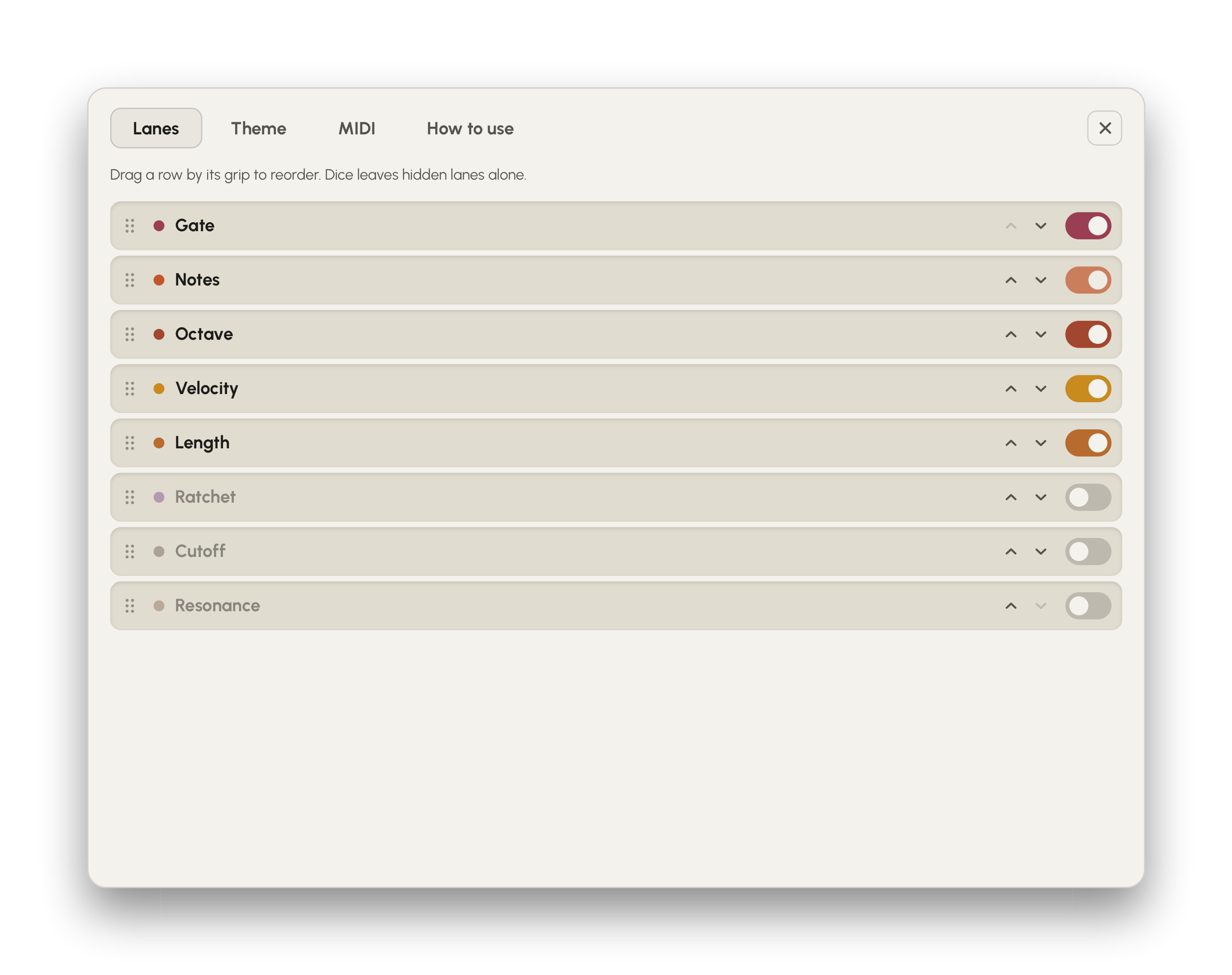
Show and order the lanes.
Settings > Lanes lists all eight lanes. Turn off the ones you don’t use and drag the rest into the order you want. The two CC lanes and Ratchet start hidden; a CC lane sends only while it is shown, and a hidden Ratchet lane plays one hit per step. The lane setup is saved with each preset.
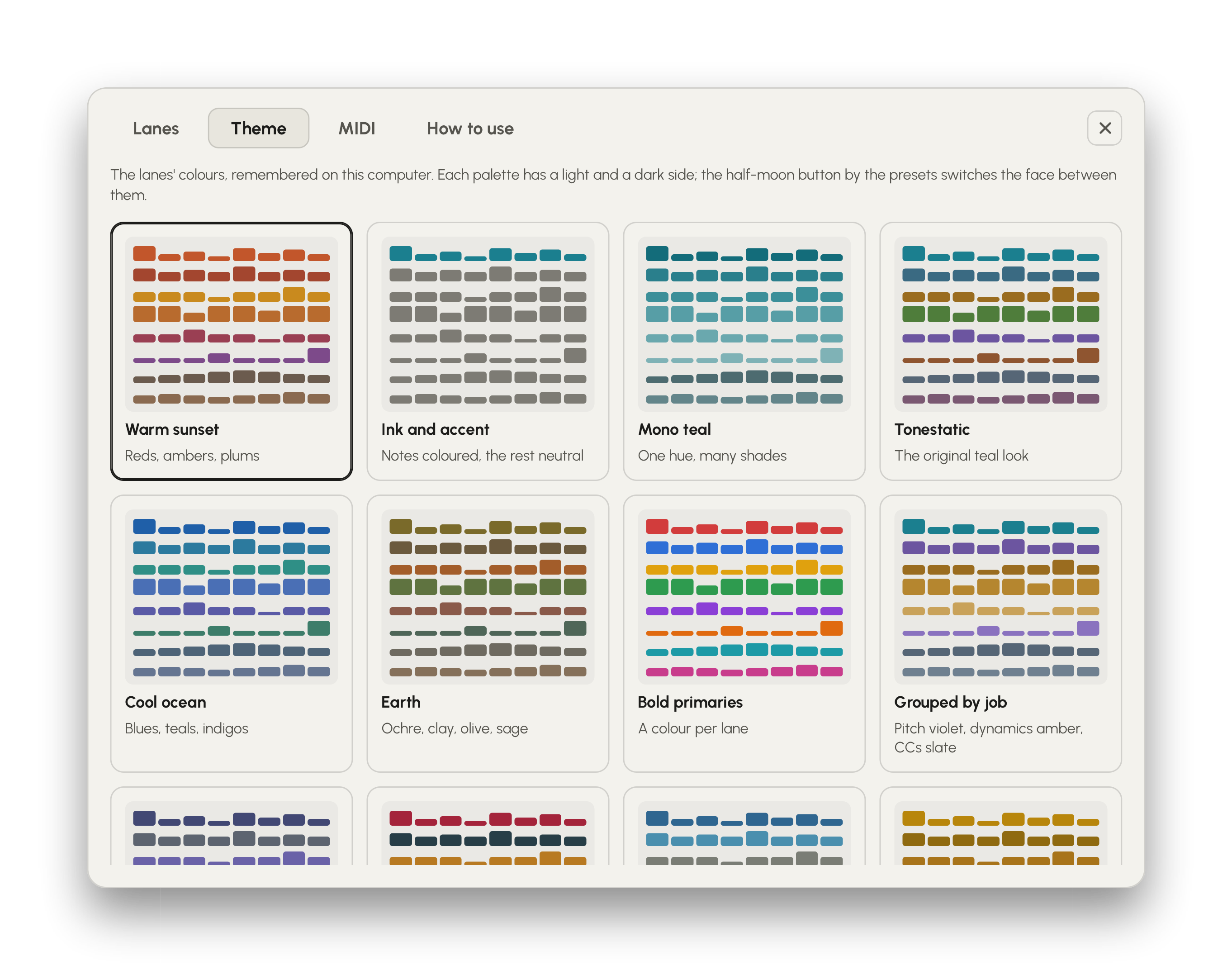
Lane colours.
Settings > Theme has twelve colour palettes for the lanes, from one colour per lane to a single hue in shades. Each has a light and a dark version, and the half-moon button next to the presets switches the face between them. The palette you pick is remembered on this computer.
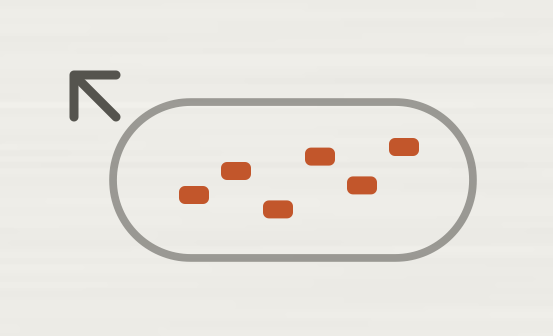
Get the pattern as a MIDI clip.
Drag the Export icon onto a MIDI track in your DAW and the pattern lands there as a MIDI clip - the whole chain, if the chain is on. Clicking the icon saves the .mid file instead.
Steps makes no sound. It plays your synth.
Steps sends MIDI only, so a synth has to listen to it. Each DAW routes that differently; Settings > How to use in Steps has the steps for each.
Formats, output and presets.

Tonestatic Steps
A step sequencer and pattern generator for any synth, on macOS and Windows. Free updates.